Talking to Your Team in SONIC PICO PARK: In-Game Quick Chat and Voice Options
How to communicate during SONIC PICO PARK co-op: the in-game quick chat system and third-party voice chat.

- How do you communicate with your team in SONIC PICO PARK?
- What does Quick Chat actually do?
- Does SONIC PICO PARK have built-in voice chat?
- What did the original PICO PARK do about chat?
- What do the store pages say about how teams play together?
- Is anything else officially documented about communication?
- Related guides
How do you communicate with your team in SONIC PICO PARK?
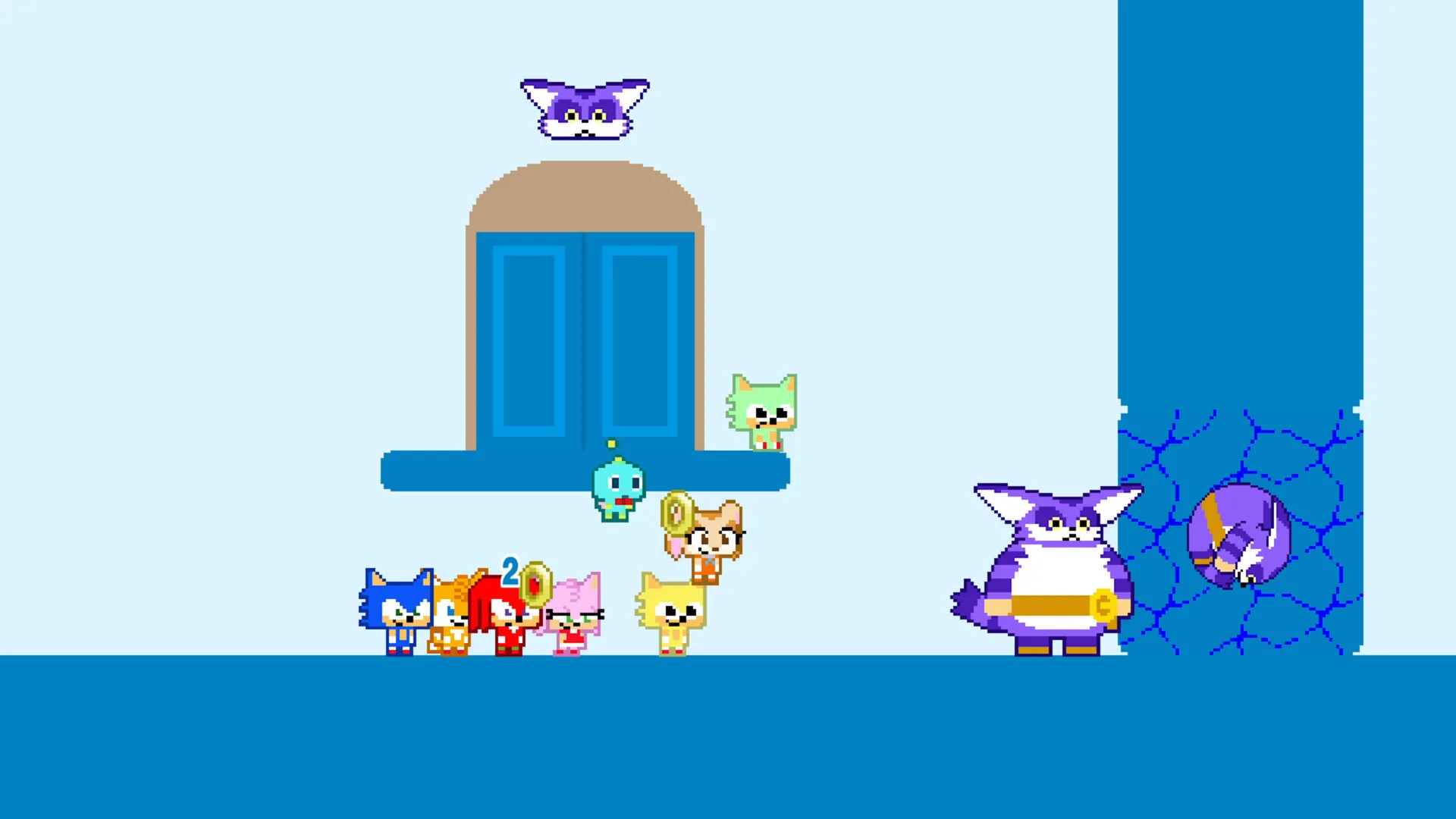
According to the PlayStation listing for SONIC PICO PARK, the game includes Quick Chat: a set of pre-set words, phrases or icons that you send to and receive from other players. That listing places Quick Chat among the game's accessibility features as a way to communicate more easily with other players. The Steam, PlayStation and Nintendo Switch 2 store listings do not describe a built-in voice channel for the game, so in-game voice support is not confirmed by those pages. Outside of Quick Chat, the store text is thin on communication tools.
What does Quick Chat actually do?
Quick Chat lets players send and receive pre-set words, phrases or icons, per the PlayStation page. That page places it under accessibility features rather than describing a free-text chat system. The listing does not say which phrases or icons are included, and it does not describe the menu or button that opens Quick Chat. Those details are simply not in the official text.
Does SONIC PICO PARK have built-in voice chat?
No in-game voice chat is named on the Steam, PlayStation or Nintendo Switch 2 store pages. The Steam page advertises Online Co-op, Cross-Platform Multiplayer and Remote Play Together but does not list voice chat among its features, and the Nintendo Switch 2 page covers online co-op and GameShare without describing in-game voice either. The PlayStation listing covers Quick Chat but does not describe voice chat. Because those pages are silent rather than explicit, their store text neither confirms voice chat nor rules it out.
What did the original PICO PARK do about chat?
The first PICO PARK pointed players toward outside tools. According to Wikipedia's Pico Park article, the game's online play mode recommends an instant messaging or VoIP program such as Discord, TeamSpeak or Skype because communication matters, and the game also includes a limited quick messaging system. That description covers the earlier PICO PARK release, not SONIC PICO PARK. It is a useful precedent for how the series has handled chat, not proof that this crossover works the same way.
What do the store pages say about how teams play together?
The store text stresses coordination more than chat tools. The Steam listing describes 2 to 8 players locally or online and says up to 7 local players can join online from a single PC. The Nintendo Switch 2 page confirms cross-play and notes that Nintendo Switch 2 is required to initiate GameShare, with GameChat required for online GameShare — a platform-side requirement tied to that feature, not a description of in-game voice chat. Neither page explains how an online group should set up communication.
- Local play can involve several players on one PC.
- Cross-play is supported.
- Neither store page names a specific outside chat app.
Is anything else officially documented about communication?
Not much. The PlayStation page also lists volume controls and basic controller remapping under accessibility, and the Steam page lists Remote Play Together, but neither page explains how teammates coordinate beyond Quick Chat. If voice support is added or documented later, an official update post would be the place to confirm it.
Related guides
Related Guides

SONIC PICO PARK Achievements: All 20 and How to Unlock Them
The full SONIC PICO PARK achievement list on Steam: world-clear achievements for Worlds 1-15, WORLD CLEAR, three Endless Scroller score goals and SPIN ACCIDENT.
SONIC PICO PARK: Ring Battle, Sphere Battle and Endless Mode
Reported Ring and Sphere Battle rules, cooperative Endless scoring and leaderboards, plus the three Endless Scroller achievement targets.
SONIC PICO PARK Co-op Rules and Puzzle Basics
Learn the shared goal-plate objective and the ring, bridge and tethered-spring interactions described in hands-on SONIC PICO PARK previews.

Can You Play SONIC PICO PARK Alone? Solo Play Explained
SONIC PICO PARK is sold as a 2 to 8 player co-op game, and a reviewer says it cannot be played solo. The PS5 listing is the exception: it says 1 to 4 players, and does not explain what that means.